Why IPTV Smarters Invalid Login Happens
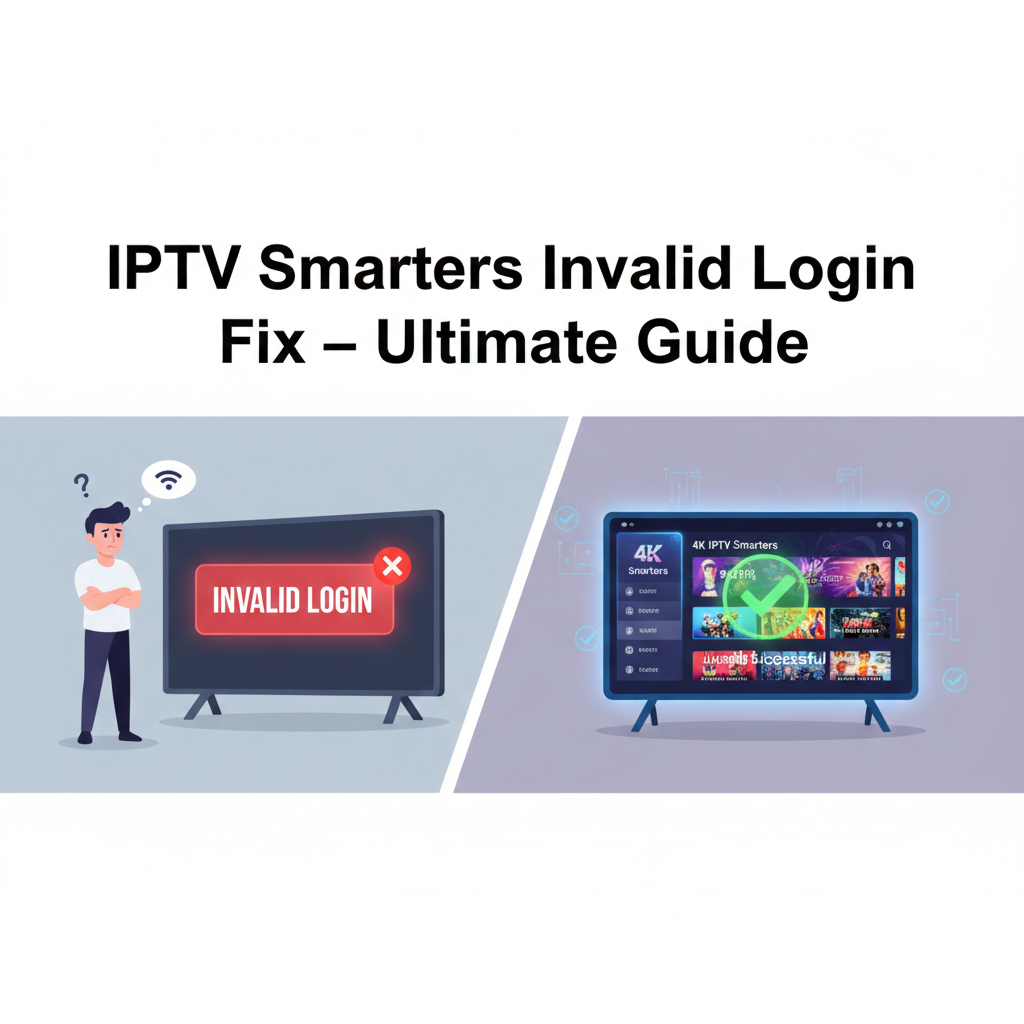
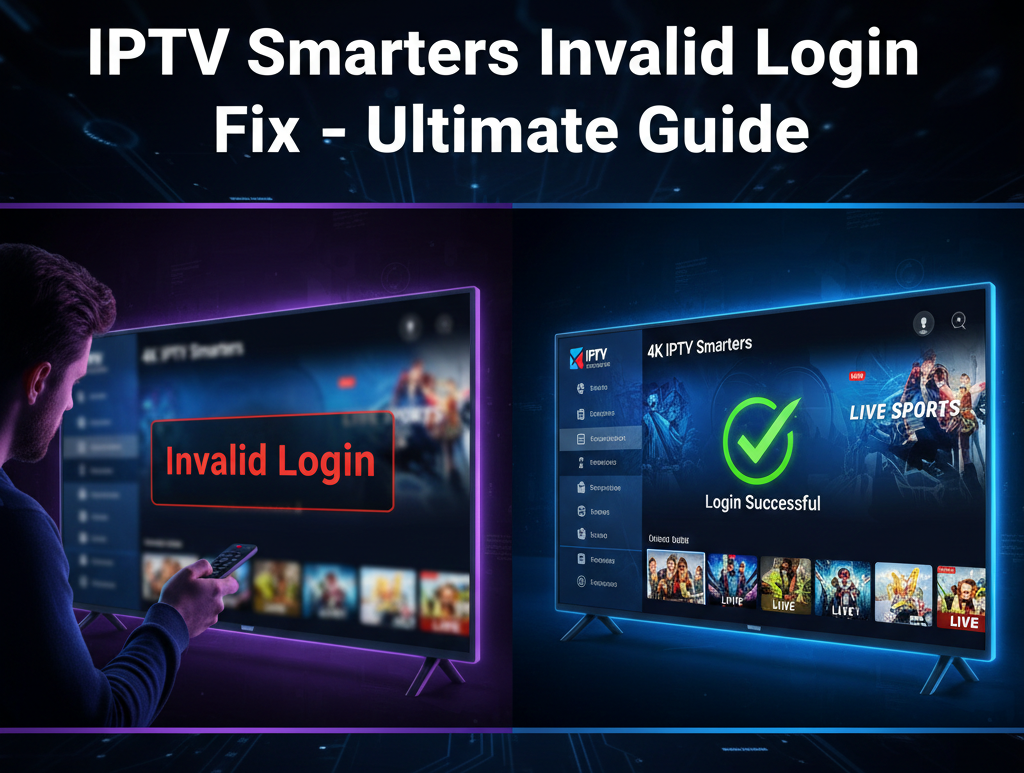
The IPTV Smarters Invalid Login Fix is one of the most searched solutions among IPTV users. When IPTV Smarters suddenly shows “Invalid Login,” it interrupts streaming, creates frustration, and raises doubts about your subscription.
From a technical perspective, IPTV Smarters relies on accurate authentication between the app and your IPTV provider’s server. The IPTV Smarters Invalid Login Fix becomes necessary when that authentication fails.
Here are the most common reasons:
- Incorrect username or password
- Wrong Xtream Codes API URL
- Expired IPTV subscription
- Provider server downtime
- VPN conflicts
- Corrupted app cache
- Outdated IPTV Smarters version
Understanding these root causes is essential before applying any IPTV Smarters Invalid Login Fix method. Most users immediately assume the app is broken, but in reality, login failures are typically linked to provider-side issues or incorrect details.
Another overlooked factor is ISP interference. Some internet service providers block IPTV-related domains, triggering login authentication failure. In such cases, the IPTV Smarters Invalid Login Fix may involve switching DNS or using a trusted VPN.
The key takeaway? Login errors are rarely random. There is always a technical reason behind them.
What Works: IPTV Smarters Invalid Login Fix Methods
Now let’s move directly into actionable solutions. These steps are ranked based on effectiveness.
1. Double-Check Credentials
The most common IPTV Smarters Invalid Login Fix is verifying your username, password, and server URL. Even one extra space can cause failure.
Make sure:
- Username is copied exactly as provided
- Password has correct capitalization
- Server URL starts with http:// or https:// or just http: test them All
- No trailing spaces exist
If you’re using M3U login, confirm the playlist URL hasn’t expired.
2. Confirm Subscription Status
If credentials are correct, the next IPTV Smarters Invalid Login Fix step is checking subscription validity. Many users forget renewal dates.
Contact your provider and confirm:
- Account is active
- No IP lock is triggered
- No simultaneous connection limit exceeded
If your provider offers 4K IPTV Smarters, upgrading may improve authentication reliability and stability.
3. Clear Cache and App Data
Corrupted cache files often trigger login errors.
On Android devices:
Settings → Apps → IPTV Smarters → Storage → Clear Cache & Clear Data
This IPTV Smarters Invalid Login Fix refreshes the app’s authentication memory.
4. Update or Reinstall the App
Outdated versions may conflict with updated server APIs.
Uninstall IPTV Smarters completely.
Reinstall the latest official version.
This IPTV Smarters Invalid Login Fix resolves compatibility mismatches instantly in many cases.
5. Check Server URL Format
If using Xtream Codes login, ensure the format is correct:
Server URL: http://providerurl.com:port
Missing the port number can trigger an invalid login message.
6. Switch DNS or Use VPN
If your ISP blocks IPTV domains, authentication fails.
Change DNS to:
8.8.8.8 (Google DNS)
1.1.1.1 (Cloudflare DNS)
Or use a reliable VPN. This IPTV Smarters Invalid Login Fix works especially well in restricted regions.
7. Restart Router and Device
Sometimes, IP conflicts cause temporary login rejection. Restarting refreshes your IP address and resolves authentication issues.
Why 4K IPTV Smarters Is the Best Option
After applying IPTV Smarters Invalid Login Fix methods, you may still experience instability if your provider uses overloaded servers.
This is where 4K IPTV Smarters stands out.
Here’s why 4K IPTV Smarters is the best option:
- Optimized 4K streaming servers
- Faster authentication response
- Better uptime stability
- Advanced anti-freeze technology
- Improved Xtream API integration
- Get Trial faster
Unlike generic IPTV services, 4K IPTV Smarters invests in high-bandwidth infrastructure. This dramatically reduces login errors caused by server overload.
Users frequently report fewer authentication issues after switching to 4K IPTV Smarters because its system maintains consistent server uptime.
Additionally, 4K IPTV Smarters supports multi-device compatibility with stable login retention, meaning you won’t constantly face invalid login messages.
If your IPTV Smarters Invalid Login Fix attempts keep failing, the root issue may not be your app—it may be your provider. Upgrading to 4K IPTV Smarters eliminates that bottleneck.
Trade-offs and Common Mistakes
While most IPTV Smarters Invalid Login Fix solutions are simple, users often make mistakes:
Mistake #1: Repeatedly reinstalling without checking credentials
Mistake #2: Ignoring subscription expiration
Mistake #3: Sharing login with too many devices
Mistake #4: Using outdated M3U links
Mistake #5: Blaming the app instead of the provider
Another trade-off involves VPN usage. While VPNs help bypass ISP blocks, low-quality VPNs may slow authentication requests and trigger login timeout errors.
The IPTV Smarters Invalid Login Fix must be systematic. Random troubleshooting wastes time.
Next Steps to Prevent Future Login Errors
Once you resolve your IPTV Smarters Invalid Login Fix, follow these best practices:
- Save credentials securely
- Set renewal reminders
- Avoid sharing account details
- Keep the app updated
- Choose a high-quality provider like 4K IPTV Smarters
Preventative maintenance is always easier than emergency troubleshooting.
Reliable providers with stable infrastructure reduce the need for constant IPTV Smarters Invalid Login Fix searches.
Micro-FAQs
Q1: Why does IPTV Smarters say invalid login even with correct details?
It could be server downtime, expired subscription, ISP blocking, or simultaneous connection limits.
Q2: Does reinstalling IPTV Smarters fix login errors?
Yes, reinstalling is a common IPTV Smarters Invalid Login Fix if cache corruption caused authentication failure.
Q3: Is 4K IPTV Smarters better than regular IPTV services?
Yes. 4K IPTV Smarters offers stronger servers, better 4K optimization, and fewer login errors due to improved infrastructure.